
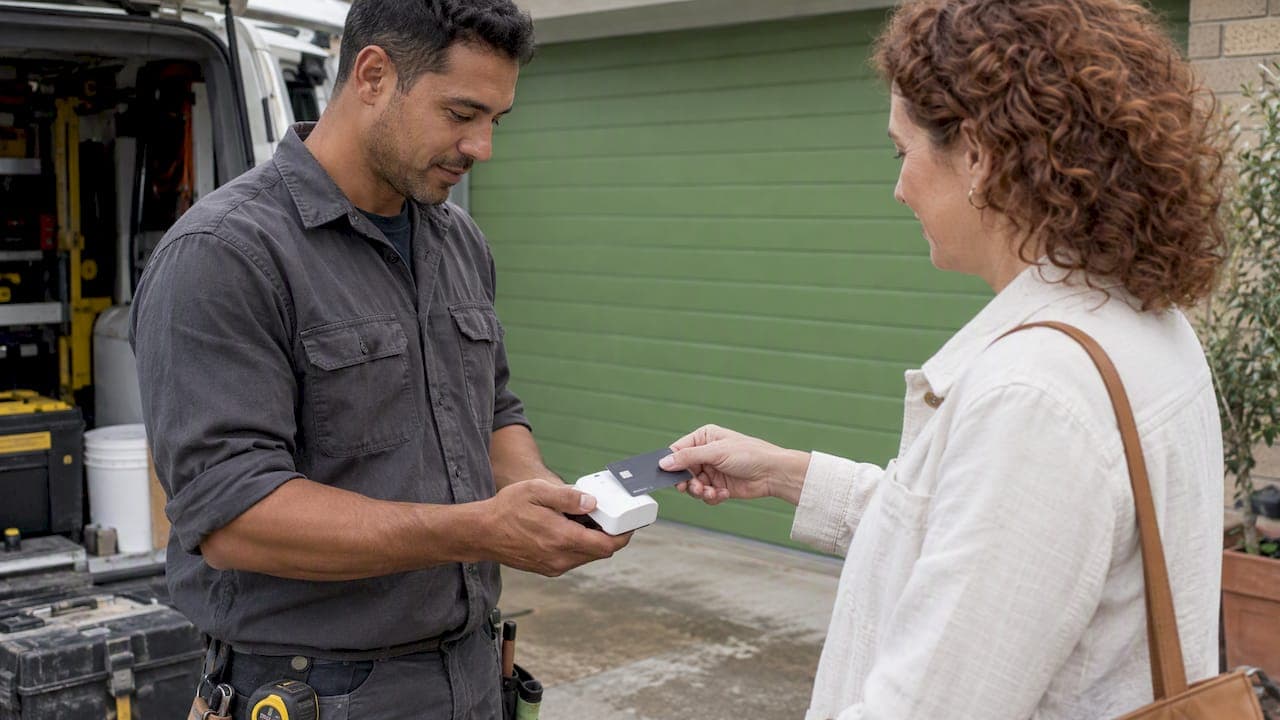
Square's Free plan costs $0 a month, but you pay on every card payment: 1.6% for in-person payments on newer accounts and 2.2% for online or manually entered payments, which is what an invoice paid by card usually counts as. Those are the headline rates in Australia as of October 2026. This guide shows what they mean on real invoices, where other costs creep in, and when it is cheaper to get paid by bank transfer.
TL;DR
- Square's Free plan has no monthly fee, but accounts opened on or after 30 May 2024 pay 1.6% in person, and online payments are 2.2%. Older accounts may pay 1.9% on some hardware.
- Invoices paid by card online are the expensive case. A $1,000 invoice costs you $22 in fees at 2.2%.
- Overseas cards add 1.5%, and Afterpay is priced separately and much higher.
- Card surcharging is banned from 1 October 2026, so you can no longer pass the fee on to the customer. It becomes your cost.
- If you mostly bill by invoice, offering PayID as the main payment option can remove the percentage fee. OzInvoice charges $0 for two invoices a month, then $4 a month or $35 a year.
Table of Contents
- What Square charges in Australia
- What the fees cost on a real invoice
- The costs people forget
- Is Square worth it for invoicing?
- How PayID changes the maths
- Our perspective: invoicing is not payment processing
- When card fees are worth paying
- A simple way to cut your payment costs
- Try fee-free invoicing with OzInvoice
- FAQ
- Sources
What Square charges in Australia
Square's pricing has two layers: software and processing. The software layer is optional. The processing layer applies every time a customer pays by card.
The figures below come from a 2026 breakdown of Square merchant fees. Rates vary with account age, hardware and any custom pricing, so check your own account before you rely on them.
| Payment type | Rate |
|---|---|
| In person, accounts opened on or after 30 May 2024 | 1.6% |
| In person, some older accounts using Reader, Stand or Tap to Pay | 1.9% |
| Online and manually keyed payments | 2.2% |
| Cards issued outside Australia | Extra 1.5% on top of the base rate |
| Afterpay | 6% + $0.30 per transaction, excluding GST |
Three details matter for a small business.
The rate depends on how the customer pays, not on what you sell. A customer who taps a card on your phone pays you at the in-person rate. The same customer paying later through a link on your invoice is an online payment at 2.2%.
Your account age matters. If you signed up before 30 May 2024, you may be on a different rate. Look at your fee statement rather than assuming.
Hardware is a separate cost. Readers and terminals are sold on top. The same guide notes Tap to Pay on a compatible smartphone as an eligible way to take the in-person rate without buying a reader, but check current availability for your device.
If you ran a cafe, salon or retail shop with customers at the counter, those numbers are competitive and a card system makes sense. This article is about the other group: people who finish a job and send a bill.
What the fees cost on a real invoice
Percentages are easy to ignore until you apply them. Here is the arithmetic at the 2.2% online rate, which is the one that applies when a client pays an invoice by card link.
| Invoice amount | Fee at 2.2% | You keep |
|---|---|---|
| $150 | $3.30 | $146.70 |
| $500 | $11.00 | $489.00 |
| $1,000 | $22.00 | $978.00 |
| $2,500 | $55.00 | $2,445.00 |
| $5,000 | $110.00 | $4,890.00 |
Now scale it up. A sparky who sends 20 invoices a month averaging $800 bills $16,000. If every one of them were paid by card online, the fee would be $352 a month, or $4,224 a year. That is real money for one person with a ute.
Compare it with the cost of invoicing software. OzInvoice's paid plans are $4 a month or $35 a year, listed on the OzInvoice pricing page. The difference in this example comes down to which payment method your client uses, because the percentage fee only exists when the money moves over card rails.
Of course, not every customer pays by card. The point is that the fee scales with your turnover, while a flat subscription does not. One industry analysis makes the same case: the headline card fee is only one part of the cost, and card-only models can become expensive as revenue grows.

The costs people forget
The percentage is the number everyone quotes. A few other costs are easy to miss.
Overseas cards
If a customer pays with a card issued outside Australia, Square adds a 1.5% international fee on top of its base rate. That takes an online payment from 2.2% to 3.7%. It rarely affects a local plumber, but it can affect a consultant with overseas clients.
Afterpay
Buy now, pay later is priced at 6% plus $0.30 per transaction, excluding GST, on the same breakdown. It may win you a sale, but it is an expensive way to be paid on a job where the client was going to pay anyway.
The end of surcharging
A lot of small businesses covered card costs by adding a surcharge. From 1 October 2026 that is no longer allowed in Australia, following the Reserve Bank of Australia's decision on card surcharges. A review of Square for Australian venues flags the consequence plainly: the fee becomes a cost you carry yourself. If you built your pricing around passing 2.2% to customers, it is worth revisiting your quotes.
The ban does not stop you from steering customers to a cheaper method. You can still offer bank transfer as the default, and put those details clearly on the invoice.
Software plans
The optional paid software on top of the Free plan is a separate decision. A 2026 roundup of Square's pricing in Australia lists plan tiers and hardware costs, but check what you actually use before paying for anything. If your only need is to send an invoice and get paid, you may not need any of it.
Is Square worth it for invoicing?
It depends on the business.
It tends to suit businesses that already take card payments in person with Square hardware and want everything in one system. An invoicing app comparison for tradies says Square fits businesses that already use its hardware for in-person sales.
It tends to suit less a tradesperson, freelancer or consultant who mainly needs to send an invoice and be paid by bank transfer. The same comparison says that for those users the payment-centric design can add complexity or cost compared with leaner, mobile-first invoicing tools.
Two questions settle it:
- What share of your clients pay by card, and what share would happily pay by bank transfer if it was one tap away?
- Do you need a card terminal at all, or only a way to bill and get paid after the job?
If the honest answers are "few" and "only a bill", you are paying for a system you barely use.
How PayID changes the maths
PayID lets a customer pay you using a mobile number, email address or ABN linked to your bank account, instead of typing a BSB and account number. For the person sending the invoice, the appeal is simple: the money moves bank to bank. Research on this topic notes that tools prioritising direct bank transfers like PayID typically carry no processing fees, compared with card-first models. Banks set their own policies, so confirm what yours charges for incoming payments and what your clients' banks allow.
The same analysis says the most cost-effective approach is often to offer bank transfer as the primary method and keep cards for customers who ask. That matches what we see on the ground. Most clients who get a clear invoice with payment details they can use from their phone simply pay it.
Here is what that does to the earlier example. If 80% of that sparky's $16,000 monthly billing is paid by PayID and 20% by card online, the card fee is 2.2% of $3,200, which is $70.40 instead of $352. The numbers are illustrative, but the direction is clear: every dollar that moves by bank transfer is a dollar that carries no percentage fee.

Our perspective: invoicing is not payment processing
We built OzInvoice around one observation. A tradie finishing a job in a driveway does not need an accounting suite or a card platform. They need a correct tax invoice in the client's inbox or phone within a minute, with a clear way to pay.
Most fee surprises come from mixing up two jobs. Invoicing is writing the bill: line items, GST, your business details, a reminder if it is late. Payment processing is moving the money, and that is where percentage fees live. When one product bundles both and nudges every client toward the card button, you pay a cut of every job for something that a bank transfer does for free.
So we separate them. OzInvoice puts PayID details on every invoice, so the client can pay straight to your bank account. You can send by SMS or email, because a text message gets read on the day. We calculate GST for you, send payment reminders, and create receipts. Pricing is flat: it does not rise when you have a big month.
That will not suit everyone. If you run a shopfront with a card terminal, you need card processing and should compare those rates carefully. If you are registered for GST or have staff, you may need an accounting platform for BAS and bank feeds. A 2026 pricing guide says full accounting software is usually the right choice in that case. We are not trying to replace that. We are the quick option for people who bill from their phone and want to be paid without chasing.
— Dane
When card fees are worth paying
We would be doing you a disservice if we said never take cards. There are good reasons to.
- Customers who insist. Some clients pay everything by card for rewards, or because they are reimbursed that way. Losing 2.2% beats losing the job.
- Immediate payment. For one-off jobs with new customers, taking payment on the spot can be safer than waiting.
- Retail and counter sales. At 1.6% in person on a newer account, the rate is reasonable for what you get.
The cheapest approach for most invoice-based businesses is a mix: PayID as the default on every invoice, with a card option available for the minority who ask.
A simple way to cut your payment costs
- Pull a month of statements. Add up total card fees and divide by total card sales to get your actual percentage.
- Split sales by payment method. Count how many invoices were paid by card, transfer and cash.
- Move the easy ones. Regular clients and business customers usually pay by transfer without fuss if the details are on the invoice.
- Put payment details on every invoice. Fewer follow-ups, fewer card detours.
- Review your pricing after 1 October 2026. If you used to surcharge, work out whether your quotes still cover costs.
- Re-check your rate. Rates change and depend on your account, so look at the current terms.
Try fee-free invoicing with OzInvoice
If most of your income comes from invoices, you can test this without spending anything. OzInvoice lets you send two invoices a month on the Free Forever plan. When you need unlimited invoicing, it is $4 a month or $35 a year. You can see all three on our pricing page, or create your first GST-ready invoice from your phone at OzInvoice.
FAQ
Is there a Square fee?
Yes. The Free plan has no monthly charge, but each card payment carries a processing fee. For accounts opened on or after 30 May 2024 it is 1.6% in person and 2.2% online. Paid software plans and hardware cost extra.
What does Square charge on an invoice paid by card?
An invoice paid through an online card link is an online payment, so 2.2% applies. On a $1,000 invoice that is $22. Overseas cards add 1.5%.
Can I still add a surcharge to cover card fees?
Not after 1 October 2026. Card surcharging is no longer permitted in Australia for eftpos, Mastercard and Visa cards, so the fee is a direct cost to you. Check ACCC guidance if you are unsure how to display prices.
Is a fee-free invoice option cheaper than Square?
Often, if your clients are happy to pay by bank transfer. PayID payments move between bank accounts, so there is typically no card processing percentage. You still pay for your invoicing software, which on OzInvoice is $4 a month or $35 a year after the free allowance.
Sources
- Square Merchant Fees Australia 2026: What You Actually Pay
- Invoicing Software Australia 2026: Prices and Card Fees
- 8 best invoice apps in Australia for small businesses and tradies
- Square Review 2026: Full Breakdown for Australian Venues